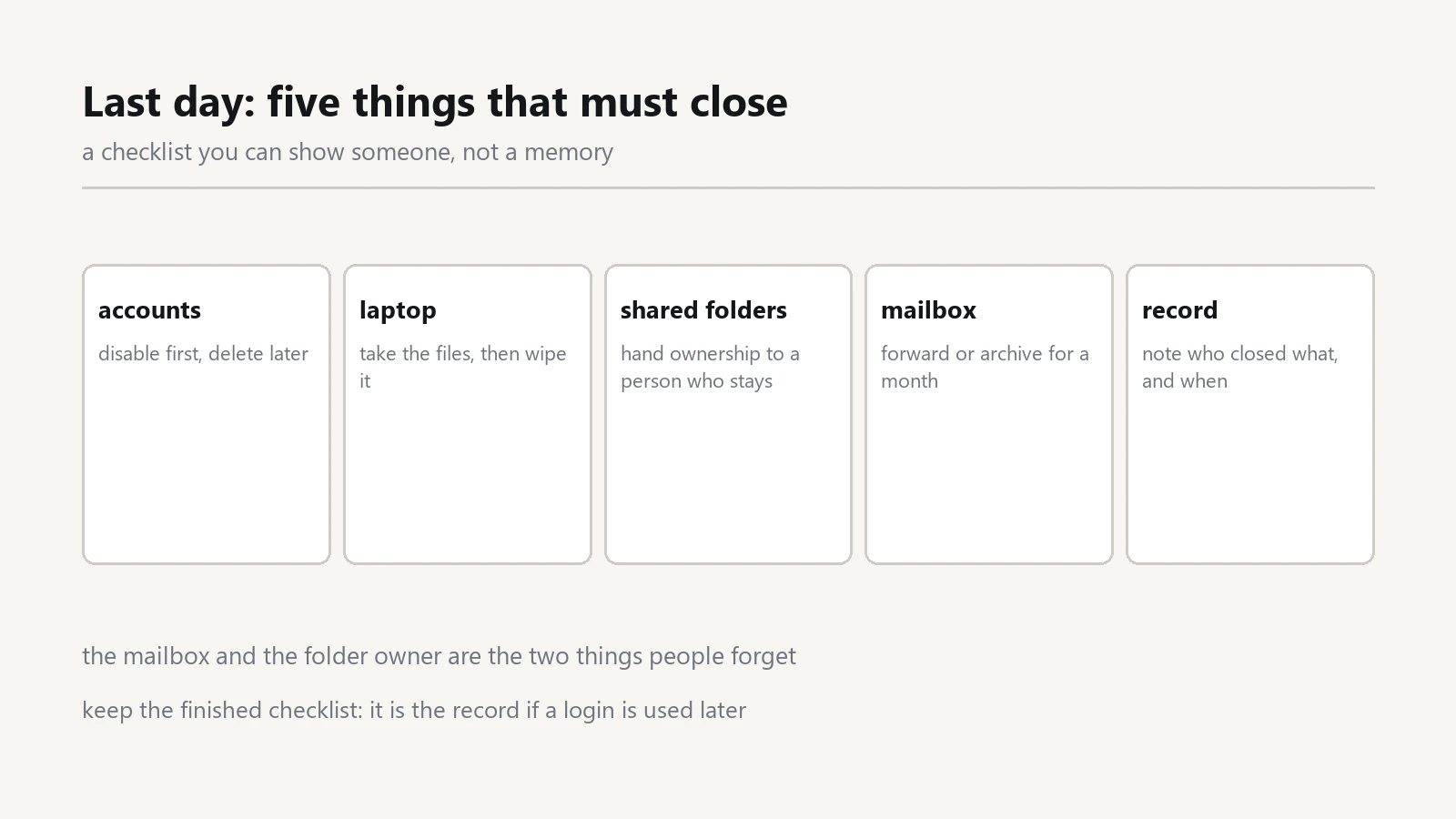
Someone hands in their notice, and the last week fills with handover meetings. The accounts, the laptop and the mail then wait until the final afternoon, which is exactly when nobody has time.
A written IT offboarding checklist turns that afternoon into fifteen minutes of work. It also fixes the quiet problem: an account that stays open for months because everyone assumed somebody else closed it.
Build the checklist before anyone gives notice
Write it while the office is calm. Walk through one person's working day and note every system they touch: mail, the file share, the bookkeeping tool, the website admin, the social accounts, the printer queue, the courier portal.
Then add the physical items. Company laptop, charger, phone, access card, and the key to the filing cabinet.
Keep the template in a shared folder. A list written from memory on a busy Friday will miss at least one login, and the missing one is usually an old portal nobody has opened in months.
Cut Account Access on the Departure Day
Disable the account, do not delete it. A disabled account keeps its mail and its files, and you can restore it if the person returns as a contractor next quarter.
Work from the outside in.
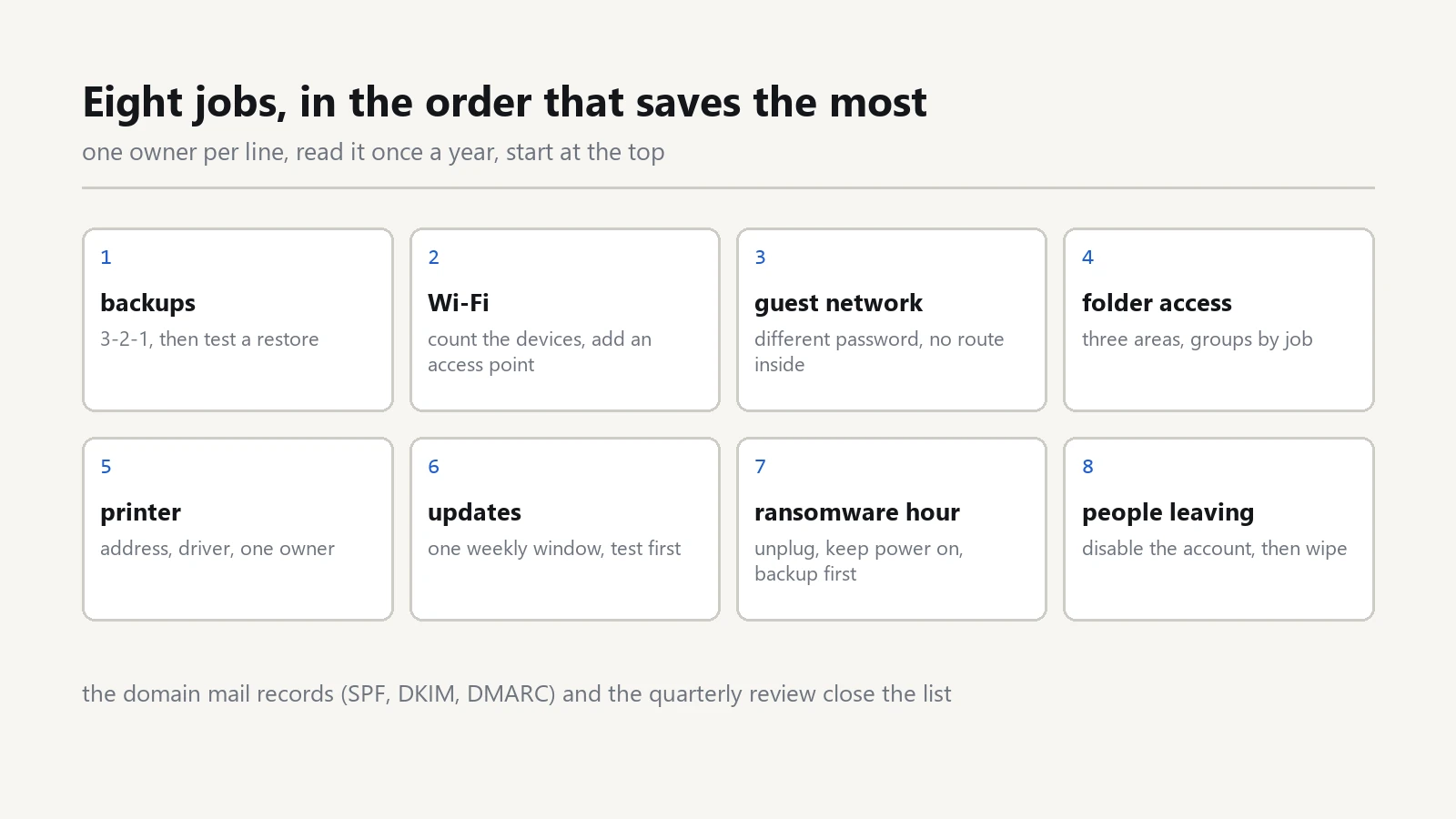
While the mailbox is still open, note which outside services send mail as your domain. Those senders belong in the SPF record, and the note on SPF, DKIM and DMARC for a small office shows how to read that record before an address disappears.
Start with the mail account, because it receives the reset links for everything else. Then the file share, then the line of business apps, then the website and social accounts.Write the clock time next to each line as you go. A list with times settles any later argument about when access ended.
Do not announce the password change in a group chat. If the person still holds a phone with the mail app installed, a quiet change on the departure day is worth more than a speech.
Recover the Company Laptop and Phone
Book the handover as a meeting, not a favour. Ask for the laptop, the charger, the bag, the SIM card and any dongle that belongs to the office.
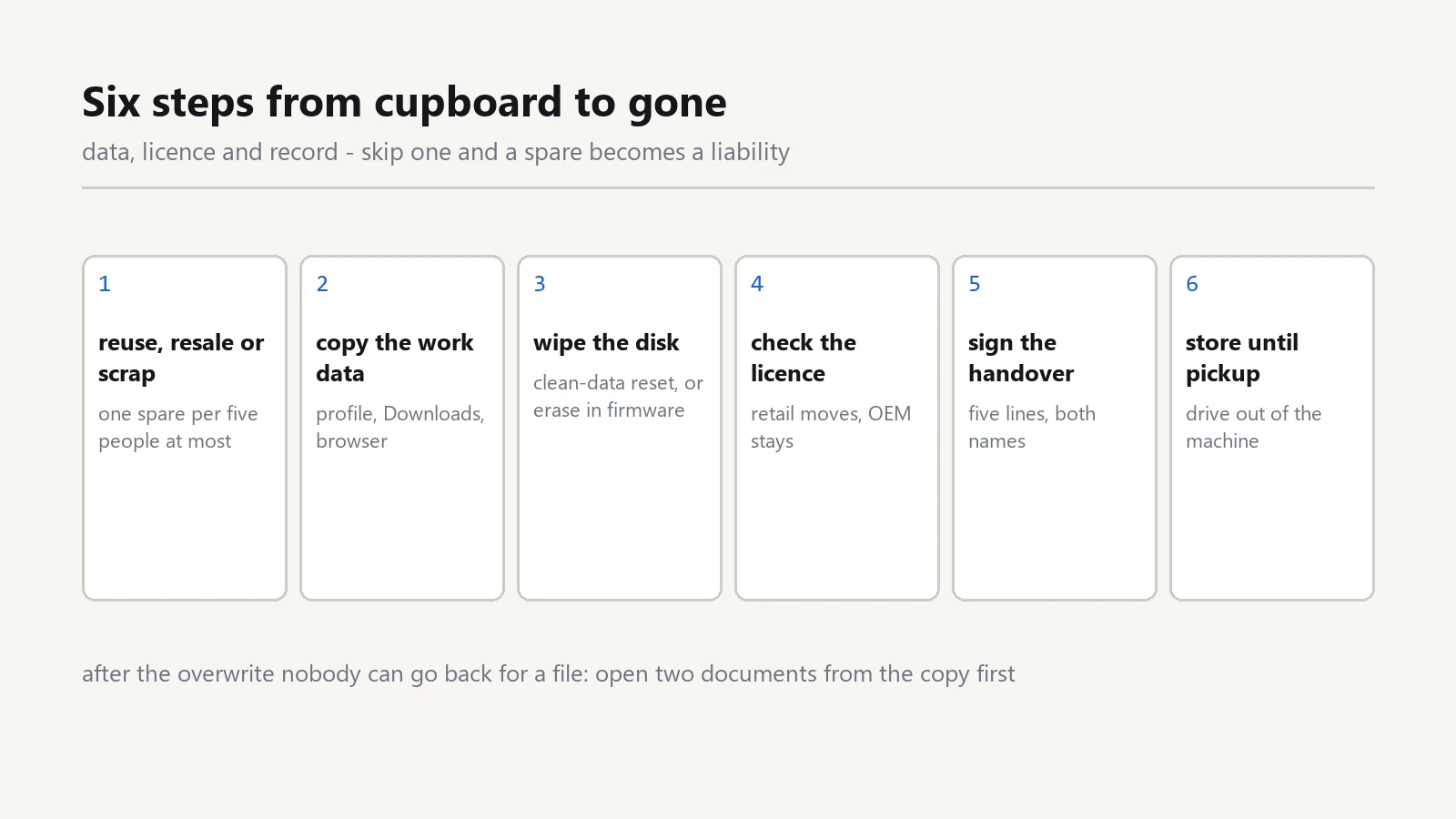
Before you wipe anything, copy the work folders to the file share. Then check the downloads folder and the desktop, because a half-finished quote usually sits there.
Sign out of the browser profiles and the mail app on the device. A company laptop that still holds a live session works as a key, even after you disable the account somewhere else.
Then reinstall the operating system before the machine goes to another person. A clean install takes an hour and removes every doubt about what stayed behind.
Sort the files and the shared mailbox
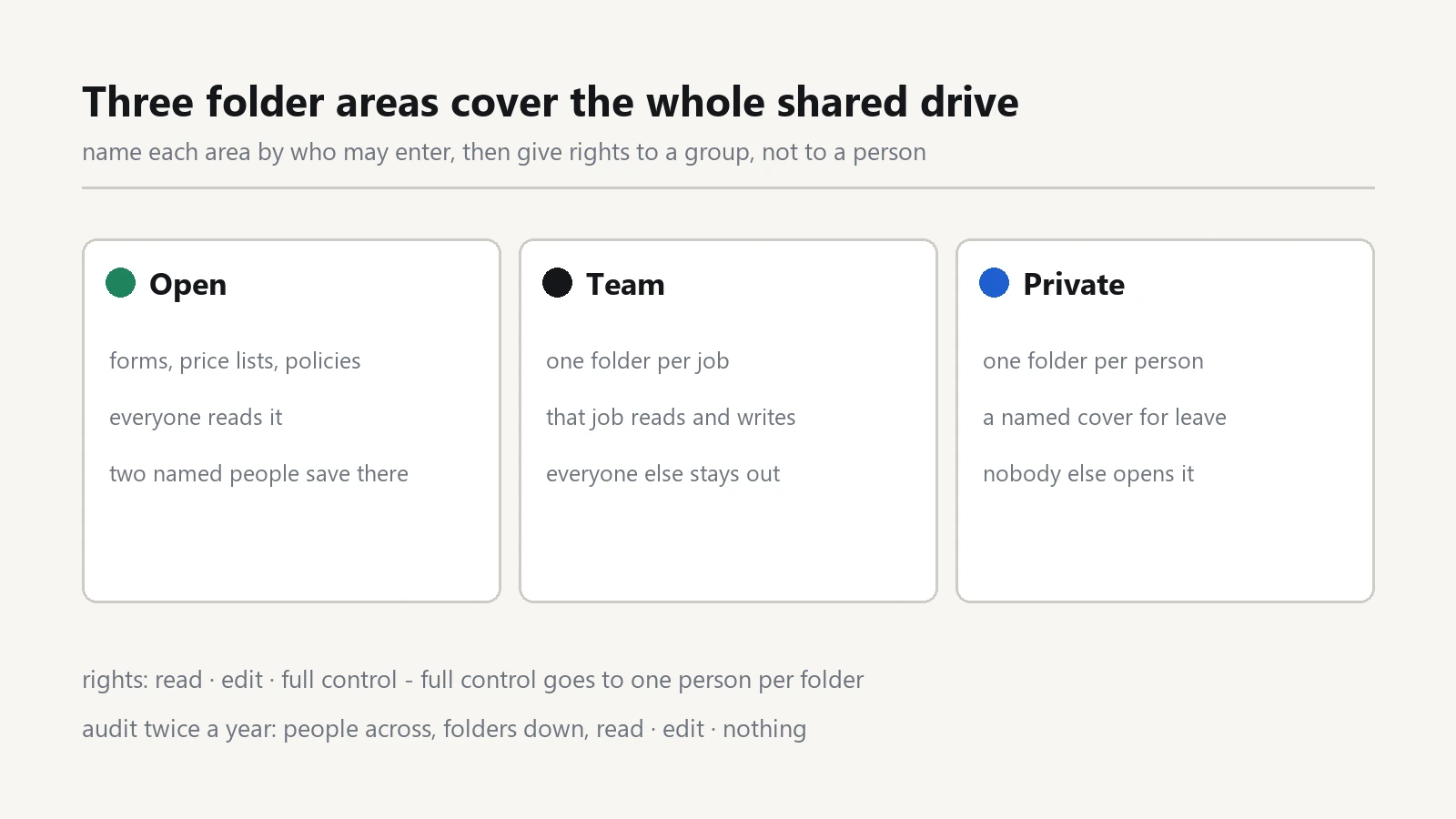
Move the personal work files into the team folder, and rename that folder so nobody mistakes it for live work. Keep it for a fixed period, then archive it.
For the shared mailbox, remove the leaver from the access list and grant access to whoever takes over. Then set an automatic reply for a few weeks, and note the date it stops.
Check the calendar too. Recurring meetings, invoice reminders and renewal notices live there, and a deleted account takes them along.
Close the accounts nobody owns
Every office collects a few of these: an old courier portal, a stationery order site, a domain the previous manager registered. Nobody remembers the login, and nobody feels responsible.
Search the mail archive for the word welcome once. That single search usually lists most services that created an account with your address.
Then decide per account: close it, hand it to a named owner, or keep it with a shared vault entry. An account with no owner is the one that appears in a breach list two years later.
What the Offboarding Checklist should record
Keep each line short enough to tick. The useful columns are the system name, the action taken, the time, and the person who did it.
Add one line for the vault. Remove the leaver from every shared folder in the password manager, then rotate the passwords they could see. Rotation sounds heavy, but it costs minutes compared with an unexplained login next month.
Finish with a signature, even on a small team. A signed page is the only proof that the work happened, and it makes the next departure faster.
Run the same list when someone changes role
Bad surprises rarely start after a resignation. They start when a sales assistant moves to accounts and keeps the old mailbox open.
Reuse the same page with a shorter scope: revoke what the new role does not need, keep what it does, and record the change.
Then review the list once a quarter against the staff roster. Two names that no longer work in the office are enough to justify the exercise.
Tell the team once, not five times
Colleagues notice a departure long before the farewell lunch, and their guesses travel faster than any announcement. Say plainly which mailbox now handles the client, who signs the invoices, and where the files moved.
Then update the shared contact list and the signature block on the main mailbox. A customer who keeps writing to a dead address will not blame the person who left, but the office that never answered.
Keep the offboarding checklist in the same folder as the contacts file. The next person who runs it will then find the notes from the last one, which is how a small office stops repeating the same gap.
Pair this page with the vault rules in our note on a password manager and MFA for office staff, because access ends in two places: the account itself and the shared folder that holds its password.
If a laptop leaves the building without a copy of the work, the 3-2-1 backup plan is the page that saves you. The note on guest Wi-Fi without exposing shared files covers the other half of the question, and the guide to the first 60 minutes after a ransomware alert assumes you already know which accounts exist.